Well, here’s a solution to help spruce it up:
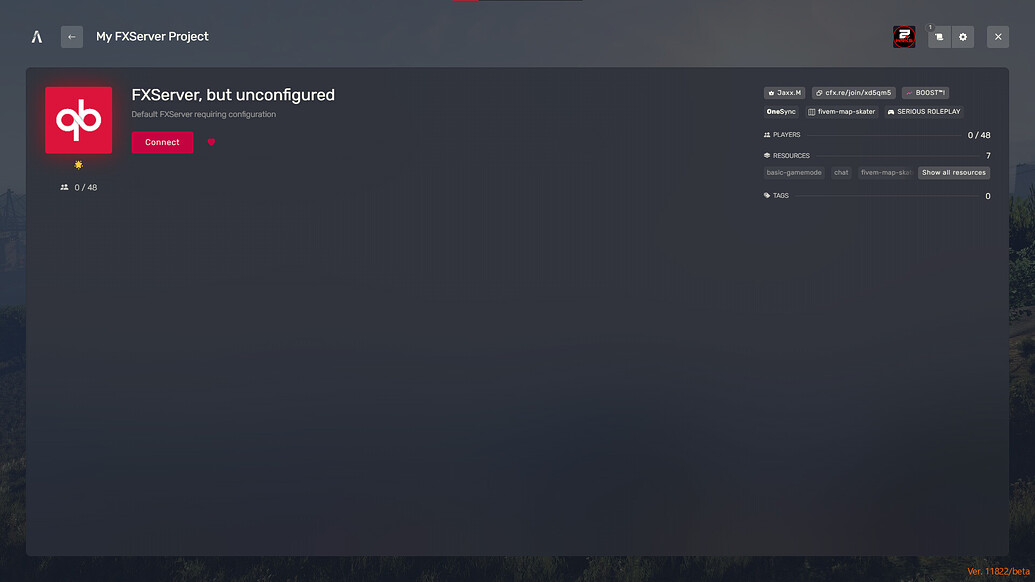
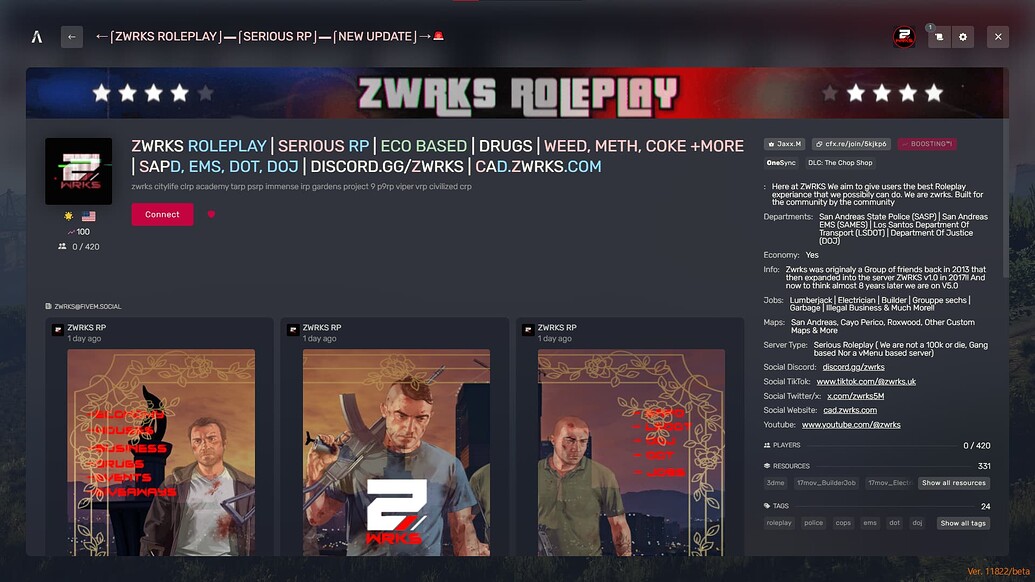
By following this guide, your server could look like this:
SERVER LOCAL
Adding a Server Logo
You have two options when it comes to adding a server logo:
PNG Image
APNG Image (Requires a Platinum Subscription)
For PNG Images:
Make sure the logo is 96x96 pixels.
Ensure the file is a PNG.
Place the logo in your MAIN DIRECTORY (where your server.cfg file is located):
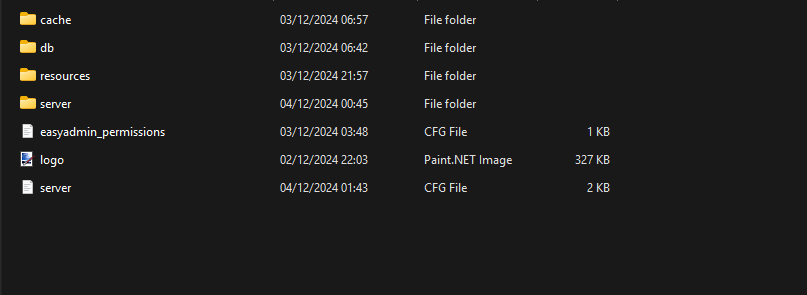
Next, open your server.cfg and add this line to load your server logo:
(Note: You can name the logo whatever you want, just replace “logo” with your desired name.)load_server_icon logo.png
After this, restart your server and you’ll see the new logo!
Using an APNG Instead of a PNG
For APNG, the image needs to be 96x96 and under 500 KiB. Don’t forget, this requires a Platinum Subscription.
Setting Up Server Banners
Adding a banner to your server is simple! The recommended banner dimensions are 1865x108.
DO NOT USE IMGUR TO HOST IMAGES!
You may be asking why and to put it short Imgur has started blocking country’s Most prominently The UNITED KINGDOM From being able to see, use and utilise the application making all images look like the following when using them.

Upload your banner to one of these services, and then add the following lines to your server.cfg:
Replace REPLACE with the URL of your banner, like this:sets banner_connecting "REPLACE" -- Banner shown while connecting
sets banner_detail "REPLACE" -- Banner shown on the server page
Restart your server, and you’ll see your new banner in place!sets banner_connecting "https://i.postimg.cc/k4WZdm81/standard.gif"
sets banner_detail "https://i.postimg.cc/k4WZdm81/standard.gif"
Customizing Server Name Colors
Changing your server name’s color is a simple process. Use the following chart for color codes:
SYMBOL & NUMBER COLOR
^0 White
^1 Red
^2 Green
^3 Yellow
^4 Blue
^5 Light Blue
^6 Purple
^7 White
^8 Orange
^9 Grey
For example:
This will make the WHITE part white and the Purple part purple.sv_hostname "^1WHITE ^6Purple"
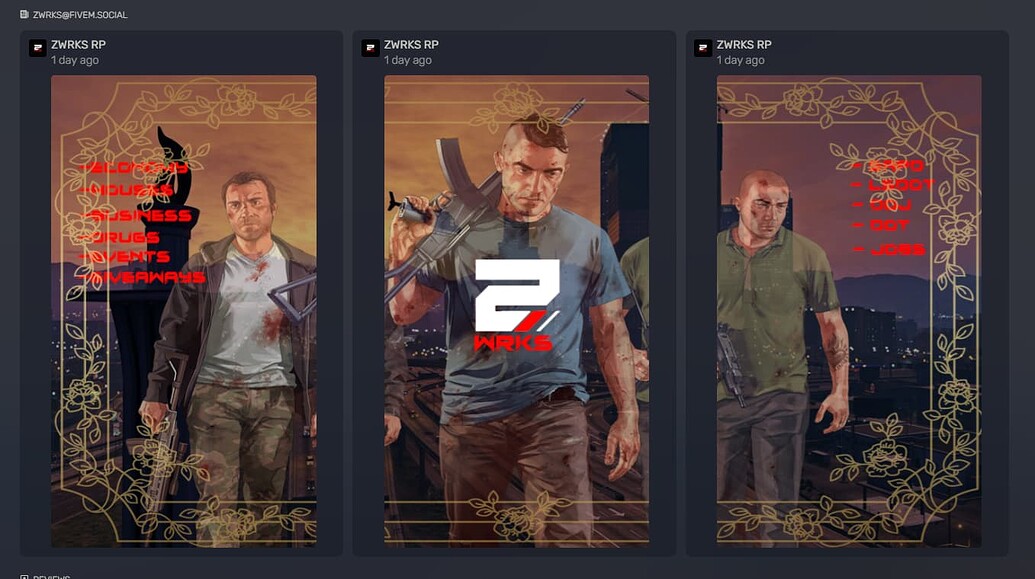
Adding Five Social
Five Social allows you to attach a public activity feed to your server.
Get Five Social Here
After you’ve signed up and been approved, add the following line to your server.cfg to attach the feed:
This will display activity updates on your server’s page.sets activitypubFeed YOUR_AT_HERE@fivem.social
Adding Information to the Server List
To add custom information to your server’s list, use this format in your server.cfg:
Example:sets "NAME" "INFORMATION"
Feel free to use this section to display anything you’d like, such as server features, job listings, or information about the server owners.sets "Jobs" "Lumberjack | Electrician | Builder | Grouppe sechs | Garbage | Illegal Business & Much More!!"
sets "Departments" "San Andreas State Police (SASP) | San Andreas EMS (SAMES) | Los Santos Department Of Transport (LSDOT) | Department Of Justice (DOJ)"
sets "Server Type" "Serious Roleplay (Not a 100k or die, Gang-based, or vMenu server)"

 GAZDUIRE JOCURI / VPS / GAZDUIRE WEB / SERVERE DEDICATE - Stock NELIMITAT / Valabil comandati pe